
Any given day at LOKAL, there’s a blog draft waiting for a rewrite, a reporting deck due to a client by five, and an ad account quietly burning budget on the wrong placement. Three different problems, handled three different ways, and not one of them goes through a committee. Someone just knows: does this go to Claude, or does it stay with me?
After a few years running the agency on Claude as a Claude Partner Network member, that instinct has hardened into something close to a rule. We didn’t sit down to build a framework. It fell out of the work. Three years ago that same day would have read the same on paper — content and reporting and ads — but every piece would have taken one person, working alone, longer, to a slightly lower standard.
How the three buckets found their names
Our “Human-Led, AI-Supported” position came from practical experiments.
We tried things, kept what worked and quietly dropped what did not. A pattern emerged: almost every AI task fell into one of three buckets.
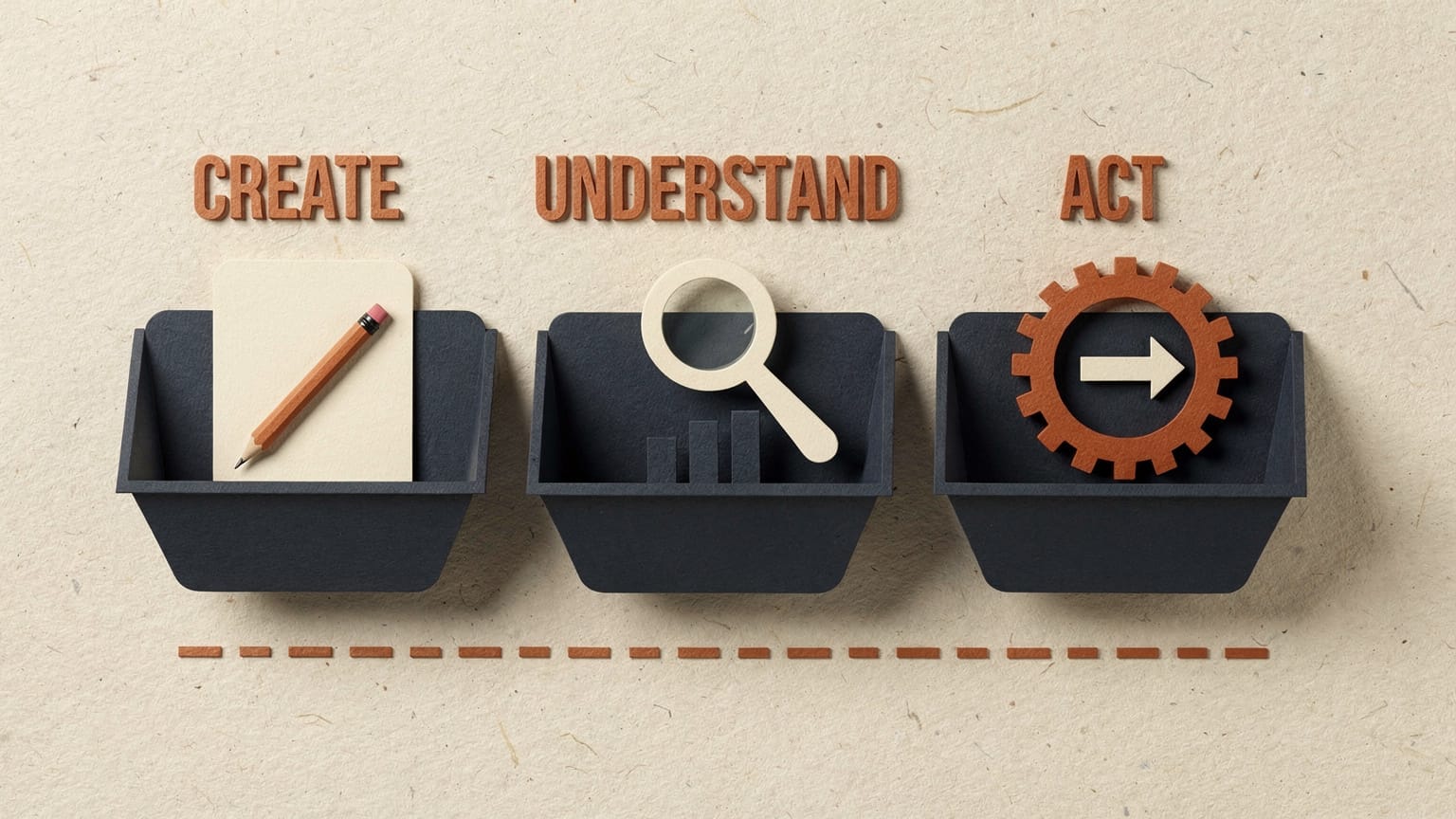
- Things we wanted it to make from scratch,
- Things we wanted it to make sense of, and
- Things we wanted it to just go and do.
We call those Create, Understand, and Act now. But the labels matter less than the habit behind them, which is asking every time which bucket a task actually sits in before deciding how much to hand over.
- 01
Create
Make it from scratch. The biggest bucket and the easiest to trust.
- 02
Understand
Make sense of it. AI gets to “here’s what the data shows.” It stops before “here’s the advice.”
- 03
Act
Just go and do it. The newest and smallest bucket, and the one we’re most deliberate about growing.
Bucket 1: Create
This is the biggest bucket, and the easiest to trust.
Say we’re building SEO content for a long-running client. We hand Claude the brand guidelines, the existing content, and the keyword research, and ask for topic ideas and rough outlines. Writers take it from there. They add judgment, tone, and everything a model can’t know about a client’s business, and nothing publishes without a review.

The drafts arrive sooner and the client’s tone stays intact, because a writer still finishes every piece. Visuals work the same way: Canva’s Magic Media gets concepts and storyboards moving, and designers finish what the model starts.
Create is where AI earns its keep fastest, because a rough first draft costs minutes, not a relationship. It’s probably where most businesses’ AI use actually sits, too. Not exotic agent work. Just a faster route to a workable first pass.
How well this bucket performs comes down to how you ask — our short course on prompting basics covers the five ingredients and hands you 13 prompts to start with. If the brief itself is still vague, run it through the five-question teardown before anyone opens a chat. And if you’re handing over the same brand context every time, stop retyping it and build a Campaign Brain instead.
Bucket 2: Understand
This is the bucket that used to eat the most time.
Getting campaign data out of half a dozen platforms and into something a client could actually use meant a full day of copy-paste before anyone reached the interesting part. Now Claude and ChatGPT pull it together, find the pattern in the noise, and draft a first read on what’s driving a result.
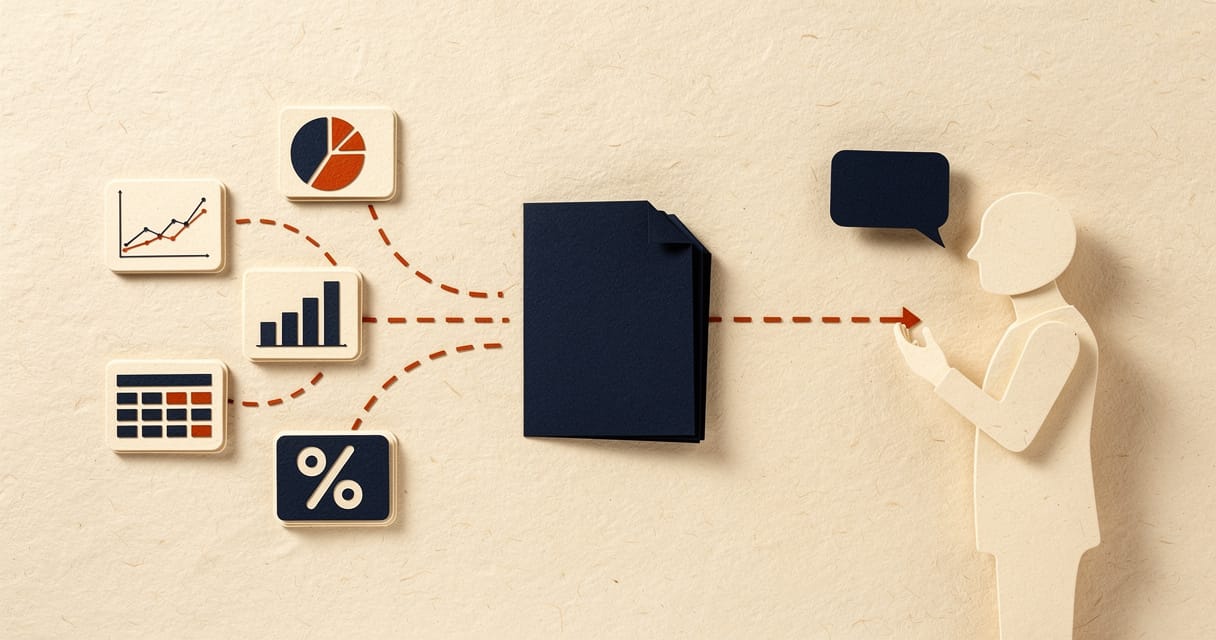
What doesn’t change is who signs off. A model can tell you what happened in the numbers, but it can’t own what we tell a client to do next, and it shouldn’t. That’s exactly why Understand stops at “here’s what the data shows” and not “here’s the advice.” The advice stays with a strategist, every time.
A model can tell you what happened in the numbers. It can’t own what we tell a client to do next — and it shouldn’t.
Bucket 3: Act
This is the newest bucket and the smallest, and the one we’re most deliberate about growing.
We let Meta Advantage+ and Google’s AI ad features handle real-time budget shifts, creative testing, and placement optimisation, inside limits we set and review. They don’t run unattended, with no one watching the account.

Anthropic, whose models we run the agency on, describes the principle well in its guidance for people building with agents: good oversight isn’t approving every single action, it’s being in a position to step in when it actually matters. That’s the standard we hold our own AI-run workflows to. We extend an agent’s rope only after it’s earned it on a narrower version of the job. And we’ve started borrowing a pattern Anthropic uses internally: one process does the work, a second checks it, and only the exceptions land on someone’s review list.
If “agent” is still a fuzzy word, our plain-English guide to agents, MCP and Skills unpacks what one actually is and what it can reach. For the fuller, tool-by-tool version of these three workflows, see how we’re using AI in our marketing.
The decision checklist
The bucket tells you what a task is.
It doesn’t tell you how much to trust AI with it. For that, we run through four questions before handing anything over.
Answer those honestly and most tasks sort themselves:
| Mode | What it means | Typical work |
|---|---|---|
| Hand over fully | AI does it; a person gives it a quick check | Low-stakes Create and Understand work — first-draft captions, internal summaries, formatting a report |
| Co-pilot | AI proposes, a person decides | Campaign concepts, client-facing analysis, budget shifts above a set threshold |
| Keep human | A person owns the call end to end | Anything hard to reverse or carrying real money or relationship risk — strategy, pricing, hiring, the final word on brand voice |
Once a task is sorted into a mode, the next question is who checks the output and when. That’s a different document, and we’ve written it: the AI guardrail playbook covers the review gates, the pre-publish checklist and the data rules that sit underneath all of this.
The line we don’t cross
Notice that the checklist always leaves something with a person.
That’s deliberate, and it’s less a constraint than the whole point. The same rule held at scale when LOKAL’s founder, Joshua Pielago, ran Uber’s AI Everyday program across five APAC markets in 2025–26, in his role at Uber: approximately 4,000 employees trained and 300+ production bots, each with a person accountable for what it did.
The research tends to agree: work built on judgment and relationships is growing in value, not shrinking, even as the repeatable half of most jobs keeps getting faster. We protect the judgement half on purpose, not by accident.
FAQ
Common questions
Does LOKAL use AI to write final client-facing content?
No. AI drafts and suggests; a writer or strategist reviews and signs off before anything reaches a client, every time.
What AI tools does the team actually use day to day?
Claude is our daily driver as a Claude Partner Network member, alongside ChatGPT, Gemini and Canva’s AI features for visuals — see the full breakdown in our AI tools and models directory.
How do you decide when an ad account can run on AI autopilot?
It never fully does. Advantage+ and Google’s AI features optimise within limits we set — budget caps, approved creative, placement rules — and we review performance regularly rather than leaving it unattended.
Isn’t “Human-Led, AI-Supported” just a slower way of using AI?
The opposite, in our experience — it’s why adoption sticks. Teams move faster when they trust exactly what AI is allowed to touch, instead of hesitating over every task or over-trusting the wrong one.
Can this Create, Understand, Act approach work outside marketing?
Yes — we use the same three buckets when we train other departments, from finance to support. The tasks change; the sorting logic doesn’t.
What’s the difference between AI automation and AI augmentation?
Automation means AI completes a task with little human input — a Create or Act task runs mostly hands-off. Augmentation means a human and AI work through something together, closer to Understand. Most programs need both, sorted deliberately.
Your next step
Want your team sorting these calls as fast as we do?
If you want help putting this into practice, bring one task and its constraints.
We run this exact framework against your own workflows — hands-on, with your real briefs, reports and ad accounts on the table. Same three buckets, same four questions, applied to the work your team actually does.